File server with no traceability: the real risks for your company and how to fix it
Does your file server know who downloaded the client proposal on Friday night? If not, you have a data protection and operational security problem. Here's how to fix it.
 Patrick Dal Ponte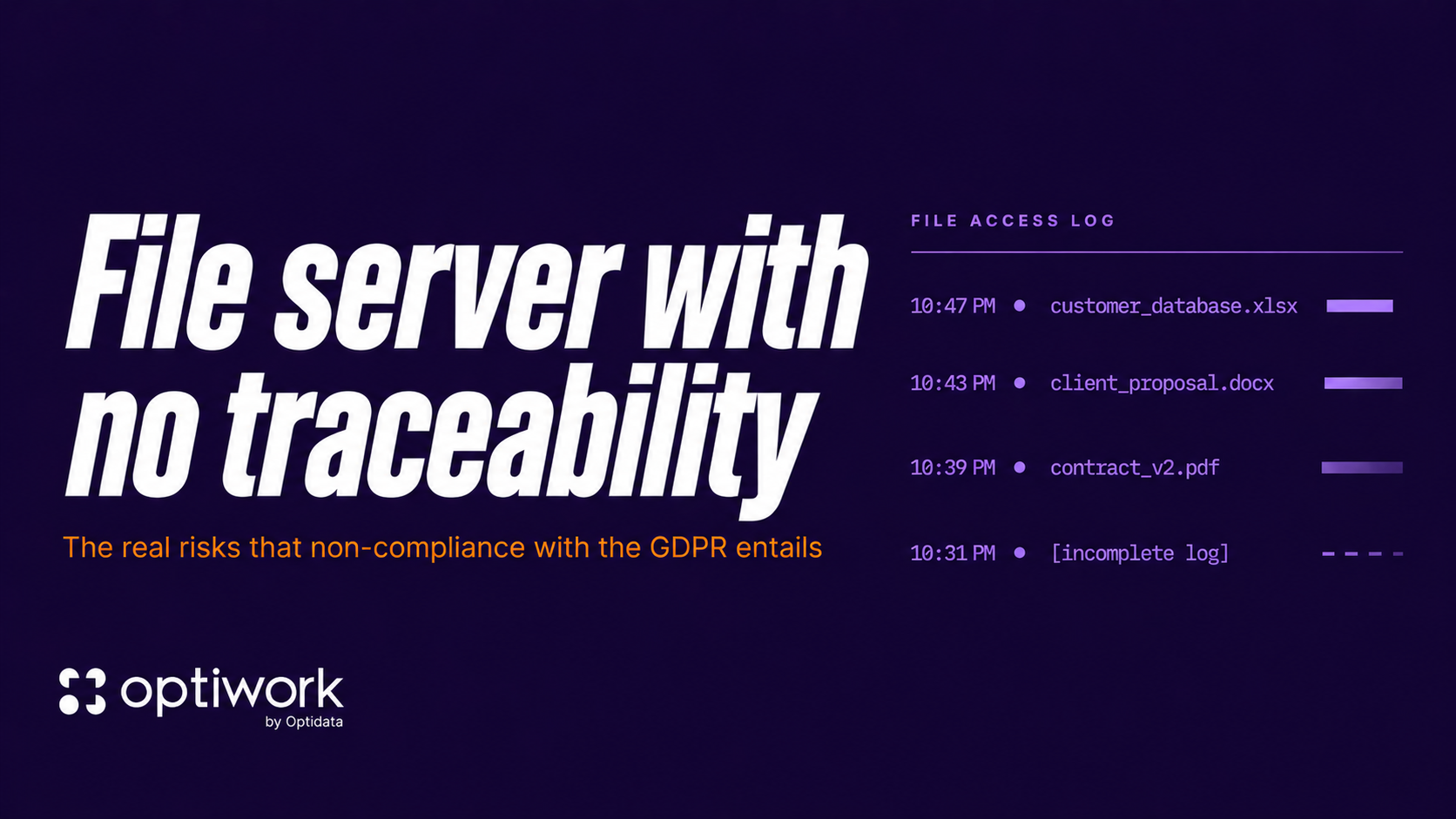
TL;DR
- Traditional file servers don’t log who accessed, edited, or downloaded files — a potential data protection violation for companies storing customer data.
- Without automatic versioning, rolling back to a previous version depends on the user having manually created copies, which in practice almost never happens.
- Employees who leave can walk out with customer lists and confidential documents without leaving a trace.
- Optiwork replaces your file server with full audit logging and automatic versioning for R$49/user/month — no VPN or server headaches required.
What is a file server with no traceability
A file server with no traceability is a file storage system that fails to record who accessed, edited, downloaded, or deleted each document. In practice, the company loses the ability to answer basic audit questions and falls into potential violation of Article 37 of Brazil’s LGPD — and equivalent clauses in GDPR — which require maintaining a record of data processing operations.
A file server is any solution used to store and share files across a network within a company, whether it’s a physical machine in the server room or a cloud storage service. This is the most common setup we find in companies: a solution that works, but is extremely insecure. Who accessed what, what was downloaded, what was deleted — nobody knows.
If the answer to “who opened the commercial proposals folder last night?” is “I have no way to know” or “I’d have to dig through server logs and that’s complicated,” your business has a problem that goes beyond IT. It’s a legal, operational, and security issue.
Why traditional file servers fail at traceability
Conventional file servers, whether physical machines in a server room or cloud servers, were built to store and share files. Period. Detailed audit logging and automatic versioning were never the priority.
What they usually do: record who logged in and when, in a rudimentary way. What they usually don’t do: record that user João opened the spreadsheet “customers_2024.xlsx” at 10:47 PM on a Friday, downloaded it to his personal laptop, and then deleted it from the server.
And even when some kind of log exists, pulling useful information out of it requires specialized technical knowledge. In practice, most companies simply can’t answer “what happened to this file” without calling someone from IT — and even then, the answer is often “there’s no way to know.”
For any company working with sensitive customer data, that blind spot has concrete consequences.
The versioning problem nobody really solves
Beyond having almost no traceability, traditional file servers have another silent problem: they don’t keep an automatic change history.
In practice, what happens in most companies: the employee needs to modify a contract or a proposal, opens the file, edits it, saves. The previous version simply disappears. The only way to keep a history is for the user to manually create a copy before editing and rename it: “contract_v1”, “contract_v2_final”, “contract_v2_final_THISONE”. Anyone who has worked in a company knows that folder.
The practical result: when a question comes up about what the contract said before the last change, or when someone overwrites the wrong file, there’s no way back. The data is gone.
For companies working with sensitive documents like commercial proposals, contracts, reports, and financial statements, that’s not just inconvenient. It’s operational and legal risk.
What data protection law requires that you probably don’t have
Brazil’s General Data Protection Law (Law 13.709/2018, LGPD) — and its counterparts like GDPR — establishes that the data controller, meaning your company, must be able to demonstrate technical controls over who accesses personal data of customers and employees.
Article 46 speaks of “security measures, technical and administrative, capable of protecting personal data.” Article 37 requires keeping a record of data processing operations.
In practice: if the regulator or a client asks how your company protects stored personal data, you need to show records. Who accessed, when, what they did.
A file server without auditing doesn’t give you that. It puts you in the position of having to say “we have no way to know,” which is worse than having a documented incident.
LGPD fines reach R$50 million per violation or 2% of gross revenue. But the operational damage usually comes before the fine: a former employee with your customer database is an immediate, not theoretical, problem.
The scenario that happens most often: the employee who leaves
From conversations with companies that migrated to Optiwork, this is trigger number one: a strategic employee leaves — sometimes amicably, sometimes not — and the company realizes afterward there’s no way to know what was taken.
The typical sequence: employee gets a competitor’s offer, spends the last two weeks downloading everything they can. Customer proposals, price lists, supplier records, negotiation history. With a file server that has no download control, you don’t find out until the competitor starts calling your customers with information that should only exist inside your company.
With active traceability, the system records every download and lets the administrator block access quickly. And since Optiwork centralizes all tools in one place — email, drive, chat, and projects — the administrator only needs to deactivate the user on a single platform, not across five or six different systems.
What real traceability means in practice
This isn’t about spying on employees. It’s about having answers to legitimate business questions:
- Who modified customer X’s contract last week?
- Was this file deleted by mistake or on purpose?
- Did supplier Y have access to the cost folder I shared with them?
- How many times was this document downloaded in the last 30 days?
- What was the content of this proposal before the last edit?
- Who created the share link for this file, and who received it?
A system with proper auditing and versioning answers these questions in seconds. Without it, you spend hours trying to reconstruct what happened — or you simply never find out.
Traditional file server vs Optiwork: head-to-head
| Capability | Traditional file server | Optiwork |
|---|---|---|
| Per-file audit log | No, or basic login logs only | Yes — date, time, user, and device on every action |
| Automatic versioning | No — users create manual copies | Yes — full history on every edit |
| Remote access | Requires VPN and setup | Browser or app, no VPN |
| Share tracking | Doesn’t track external links | Records who created each share and when |
| Two-factor authentication | Depends on extra integration | Mandatory at login |
| Long path / filename limits | Breaks beyond OS limits | No structural limit |
| Security certification | Depends on local infrastructure | SOC 2 Type II — 88 audited controls |
| Cost per user | Hardware + licenses + maintenance | R$49/user/month, fully inclusive |
How Optiwork solves this
Optiwork’s Enterprise Drive records every file operation: open, edit, download, delete, share, and copy. Each action is logged with date, time, user, and device.
Access to version history and the audit log for any file is available via right-click, directly on the file. No panel to open, no IT dependency. For consolidated visibility, the admin panel brings together in one place all accesses, downloads, shares, and changes across the company, filterable by user, file, or period.
Optiwork also doesn’t have the structural limitations of a local file server. No size restriction on file names, no limit on folder nesting levels, and no long-path problem that prevents creating new directories. Anyone who has wasted time renaming files or reorganizing folders because of those constraints knows how much it disrupts daily work.
Optiwork also records every document share, whether it’s a public link sent to a customer or an internal share between teams. You know who created each share, when it was created, and who had access.
Versioning is automatic. Every time a file is edited, the system saves the full change history without the user having to do anything. If someone overwrites the wrong file, or a question comes up about what changed between two versions, you just open the history and restore. Contal, an accounting firm with over 20 years in the market, uses this feature daily. In the words of director Carlos Ludwig:
If I need to go back to a previous version, I have that option.
Access control is configurable per folder, user, or group, with mandatory two-factor authentication (2FA) on login to ensure only the right people access the platform.
Access is via browser or desktop app, with no VPN required. A remote employee logs in normally within the defined permissions, and everything is logged.
On security, Optidata — the company that builds and operates Optiwork — holds the international SOC 2 Type II certification. This is an external, independent audit, performed by a third party, validating that the organization actually practices what it claims about security. The scope goes beyond servers: HR, finance, internal processes, and product code were all audited. 88 controls cover security, availability, and data confidentiality. In practice, that means you don’t have to take the company’s word for it — there’s a 66-page report signed by an independent auditor.
Frequently asked questions
Does Optiwork fully replace a physical server?
Yes, and it goes further than what a physical server offers. A physical server stores files and defines basic permissions. Optiwork does that and adds complete audit logging of every action, automatic versioning with no user intervention, remote access without VPN, real-time collaboration on documents, and an admin center any manager can operate without IT support for day-to-day tasks.
How does migration from our current file server to Optiwork work?
Optiwork has a team specialized in migrations that runs the entire process: exporting data from the current server, creating the folder structure while preserving hierarchy, and migrating the files. The customer doesn’t have to execute the process. The Optiwork team does it alongside the company. Contal went through this process and kept operations running throughout the transition.
What does R$49/user/month include besides the drive?
The plan includes all tools: corporate email, TeamChat, Social, document approvals, video conferencing, project manager, collaborative document editor, calendar, and AI module. It’s not just the drive — it’s the full workspace. See full plan details at work.optidata.com/pricing.
Is Optiwork compliant with LGPD?
Yes. Optiwork offers native LGPD compliance controls: audit logs of all accesses, configurable retention policy, traceable deletion, and exportable reports for accountability. Optidata, which builds Optiwork, holds SOC 2 Type II certification, which includes 88 externally audited controls covering data security and confidentiality.
Can I access Optiwork from anywhere without a VPN?
Yes. Access is via browser or desktop app, with no VPN configuration required. Employees working from home, external clients, or field teams access normally within the permissions set by the administrator, and every action is logged regardless of where the access came from.
Related reading
Schedule a demo
See how Optiwork can transform your company's collaboration.